
IOX-CLAMP
Wiki ID: 326
Author: Alkesh Dhak
Release: v1.3 [Minor]
Revision ID: 2211
Revision Date: 03-24-26
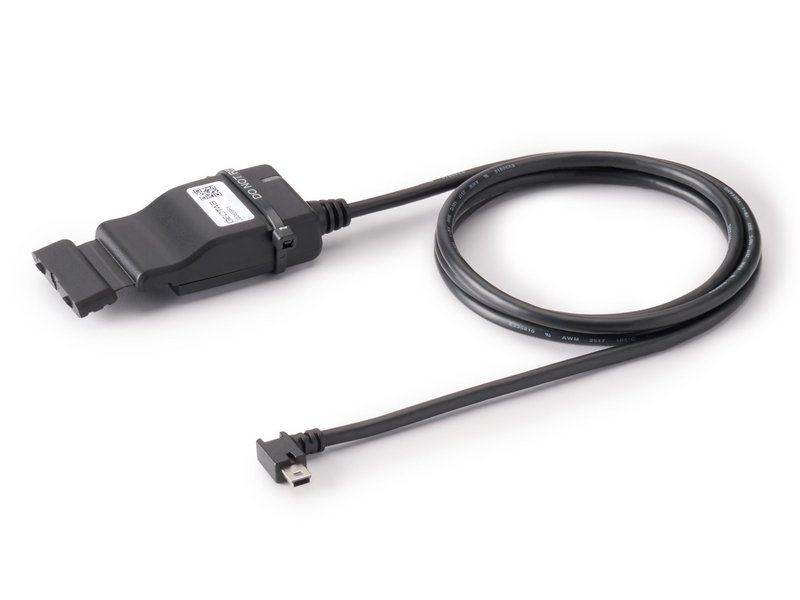
| Mechanical | Weight: approx. 70 g Dimensions: 66mm x 40mm x 18mm (LxWxH) Harness Length: 1200mm Housing: Polypropylene (PP) |
| Voltage | 12V/24V |
| Power consumption of IOX-CLAMP on GO9 daisy-chain | Typical Consumption: 120mW Max. Consumption: 100mA @ 12V/24V |
| GO9 can source a maximum total current to the IOX in daisy-chain | 2750 mA @ 12V / 24V ✱ NOTE: For each additional IOX in the daisy-chain, add the max current draw, and do not exceed the maximum total IOX current draw. |
| Temperature rating | -40ºC to 85ºC |
| Interfaces | Capacitive clamp CAN: 10/20/33.333/50/83.333/95.238/100/125/250/500/666.666/1000 kbps CAN FD: preamble at 500kbps, payload at 2/5Mbps J1708 and other serial buses at 9.6kbps |
| Connectors | 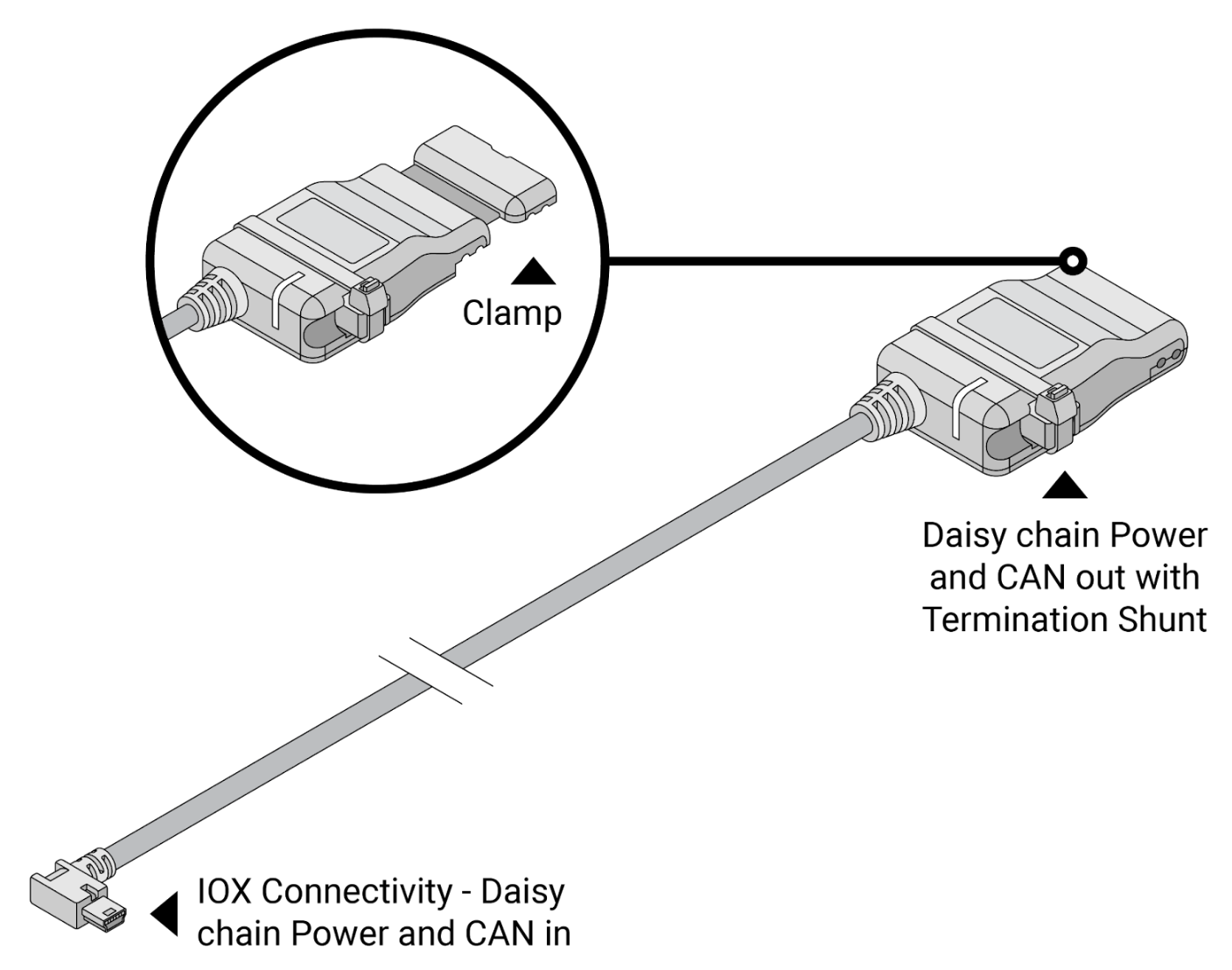 Male Mini-USB Type-B connector: Daisy chain power and CAN in Female Mini-USB Type-B connector: Daisy chain power and CAN out Clamp: Wires to be coupled between 24 and 20AWG |
| Flash memory | Density: 32 Mb Speed: 104 MHz |
| Visual status | TriColor LED, traffic light-like, indicates general status |
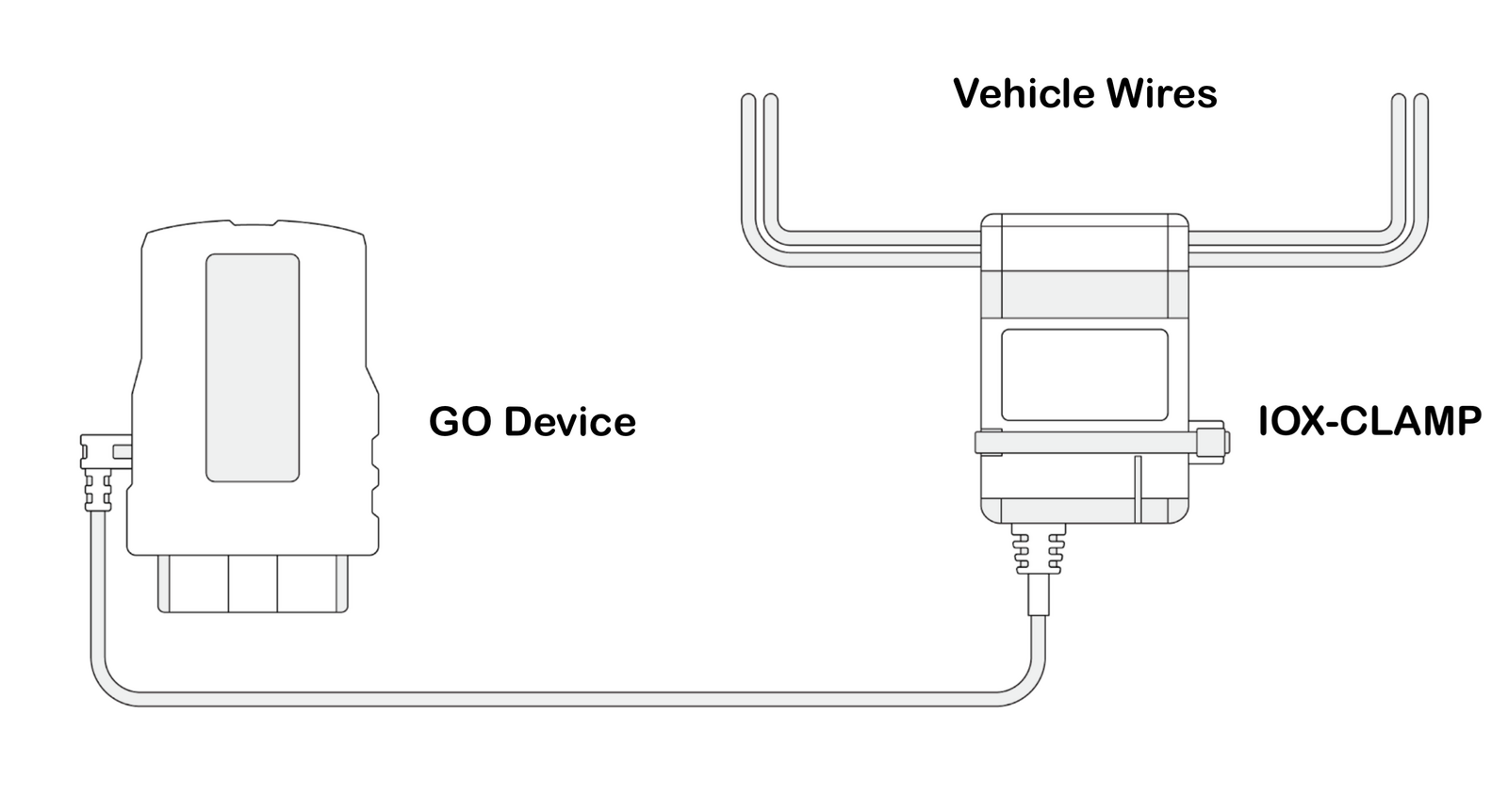
For features, technical specs, and troubleshooting, see the IOX-CLAMP Support Document.
| LED Sequence | LED State | Device Status | Action |
 | Slow white flashes, continuous | Initialization / boot up | Do not unplug or touch the device. Wait for device to stop initializing (LED state will change) |
 | Solid green | The device is on and communicating | |
 | Fast green flash occurring every 3 seconds, continuous | Low Power Mode | |
 | One orange flash, continuous | CAN IOX communication issue | No connection to the GO device. Ensure the GO device is powered on and verify all connections. |
 | Two orange flashes, continuous | IOX-CLAMP communication issue | IOX-CLAMP not reporting data. Troubleshoot by verifying the IOX-CLAMP is connected to the correct vehicle wires and ensuring that the vehicle ignition / engine is ON. |
! IMPORTANT: If the problem is not resolved, repeat the installation with another IOX-CLAMP. If the problem persists, please contact Support.