Recommended Tools & Consumables
No Recommended Tools & Consumables specified.
Hardware & Accessories

-
-
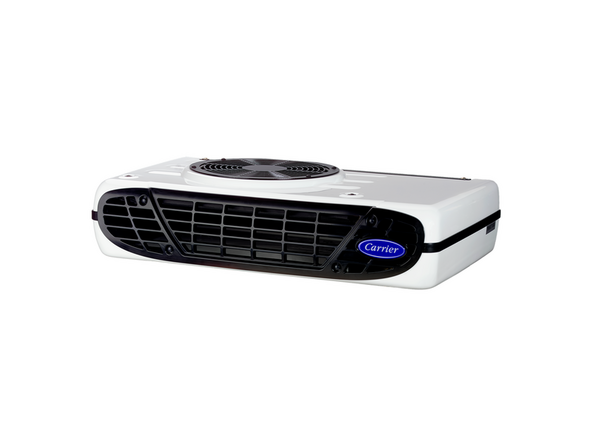
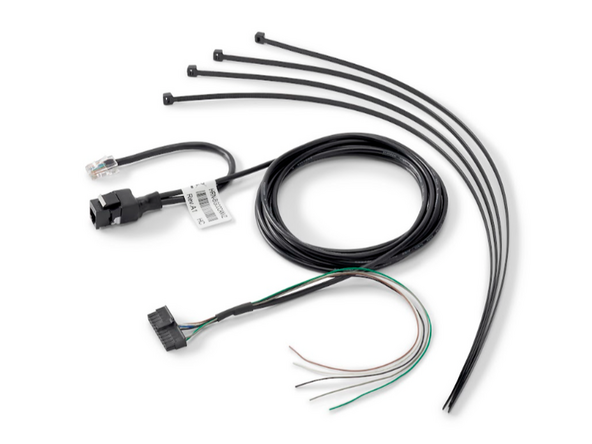
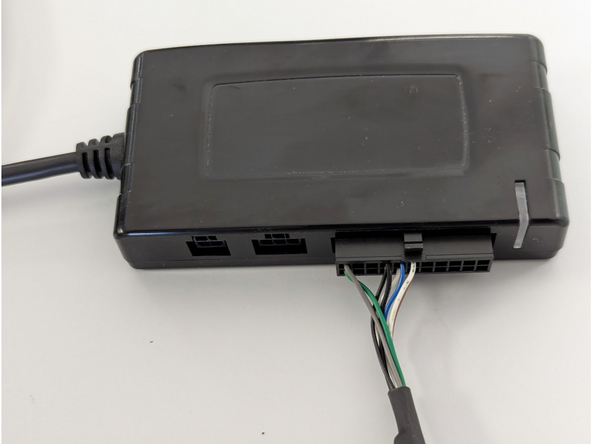
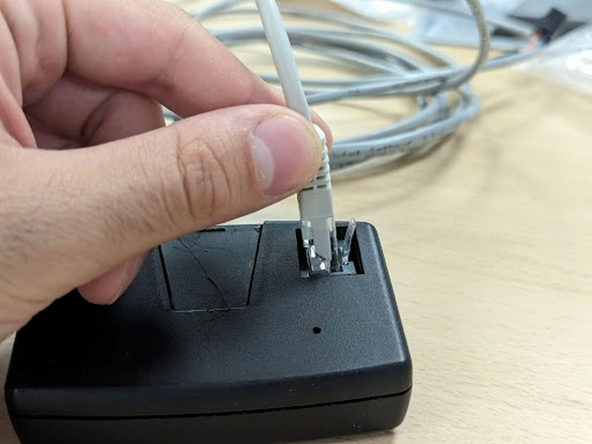
The Carrier Neos, Zephyr, and Viento units require HRN-CCCANVZ harness to connect to the controller in cab.
-
-
-
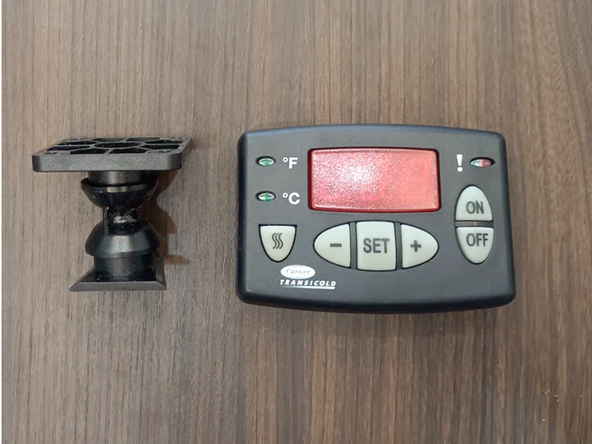
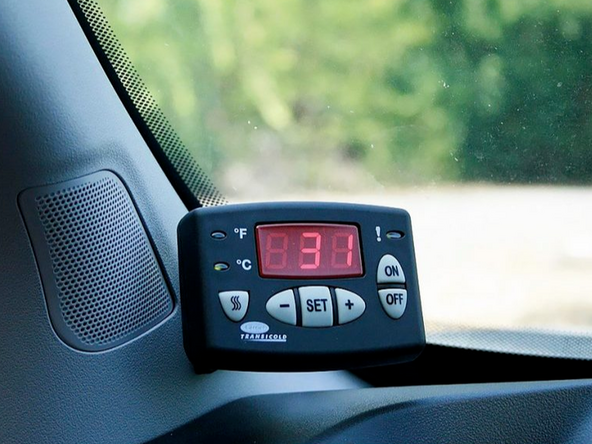
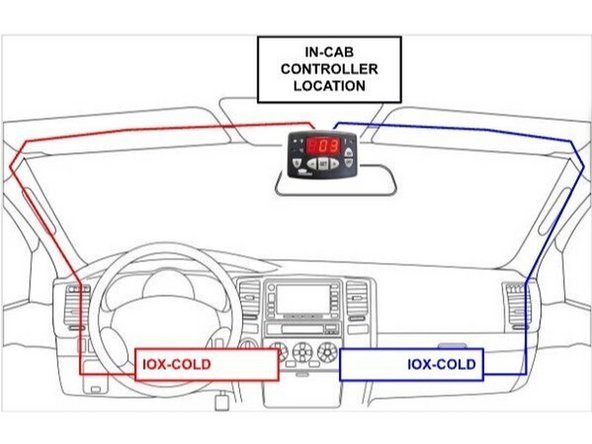
Find the in-cab controller located in the vehicle cabin.
-
If needed, remove it from its mechanical support by sliding it upwards.
-
-
-
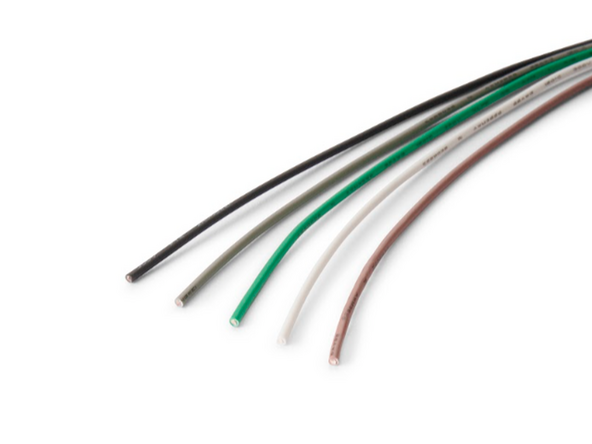
The harness contains loose wires which permit connecting the IOX-COLD to additional sensors such as 1-Wire temperature sensors or door sensors.
-
Refer to the Accessories category for installation instructions.
-
-
-
For more information please refer to this document.
-
-
-
Switch the vehicle ignition and the in-cab controller ON once the installation is complete to validate the installation.
-
IMPORTANT: The use of the complete MyInstall tool is mandatory for every installation to correctly configure the IOX-UREADER or IOX-COLD. If you do not do this, data will not be obtained correctly.
-
You need a secure MyAdmin login to use this tool. If you do not have one, refer to the Creating MyInstall Credentials section of the MyInstall user guide.
-
-
-
The IOX-COLD must be configured using MyInstall before verifying the LED status.
-
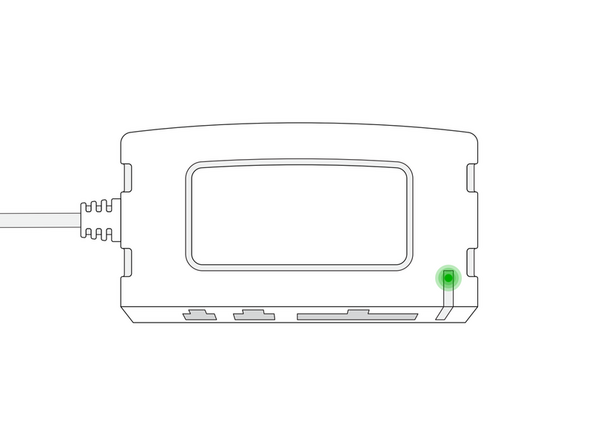
The IOX-COLD device has a status LED that produces a series of blinks followed by a pause.
-
Ensure that the refrigeration unit's START / RUN switch is ON when checking the LED status.
-
Green LED — Solid LED - The IOX-COLD is configured correctly and communicating with the refrigeration unit.
-
If the LED is off, or if you see a different light sequence, refer to the Troubleshooting section of the IOX-COLD page for troubleshooting steps.
-

Team
