v1.2

Minor Versionm

by Sebastian Arbelaez

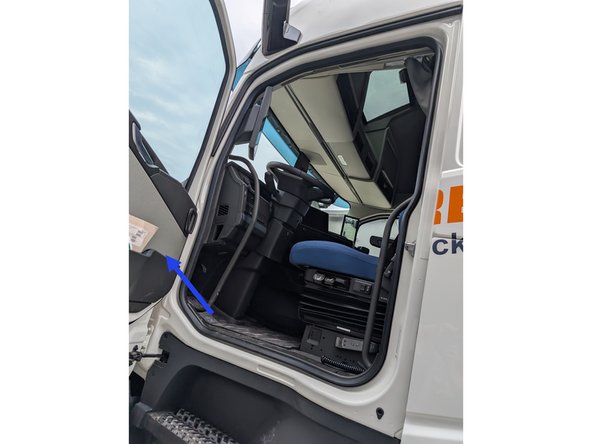
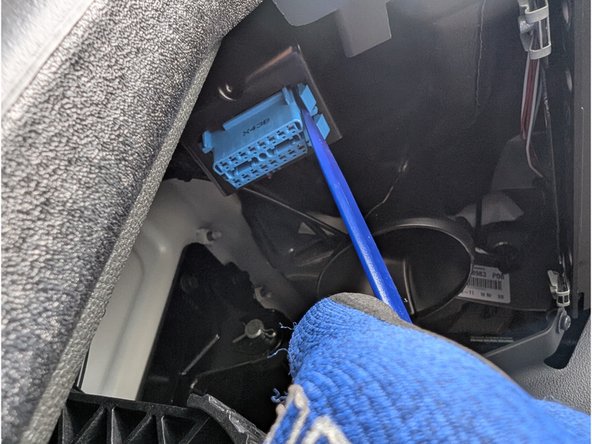
  1. The OBD II Port is situated on the driver's left footwell. To gain access to the port remove the cover. Remove the two screws of the left footwell panel.
    • The OBD II Port is situated on the driver's left footwell.

    • To gain access to the port remove the cover.

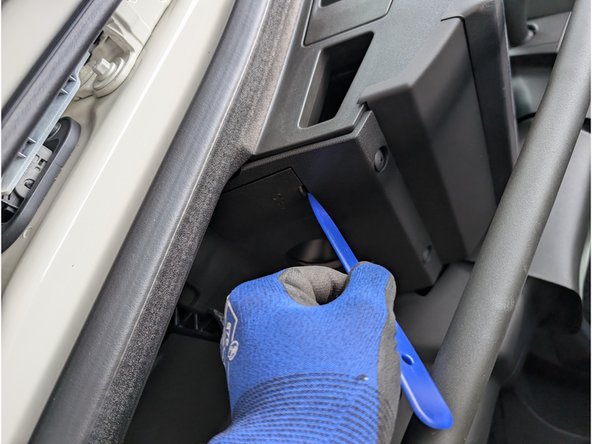
    • Remove the two screws of the left footwell panel.

    • A plastic trim tool is recommended for this step.

    • Careful! There are plastic alignment pins behind that panel.

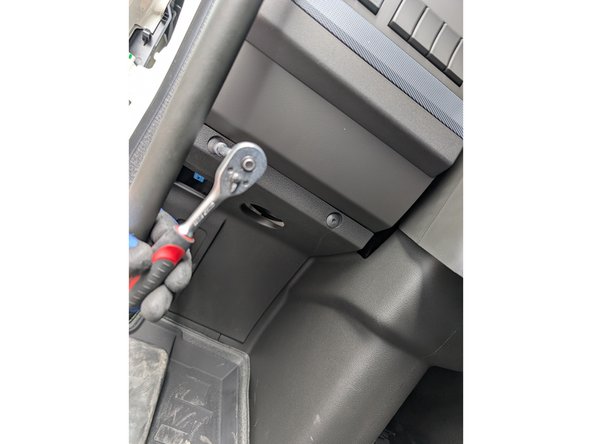
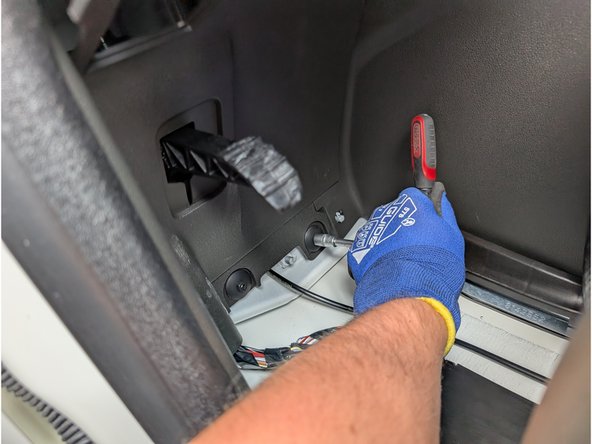
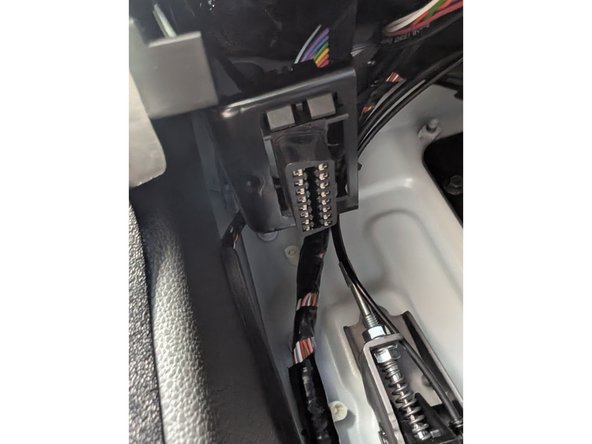
  2. Remove the two remaining screws securing the panel. Then, use a panel removal tool to detach the panel. Unclip the OBD-port from the mounting bracket with a suitable tool.
    • Remove the two remaining screws securing the panel. Then, use a panel removal tool to detach the panel.

    • Unclip the OBD-port from the mounting bracket with a suitable tool.

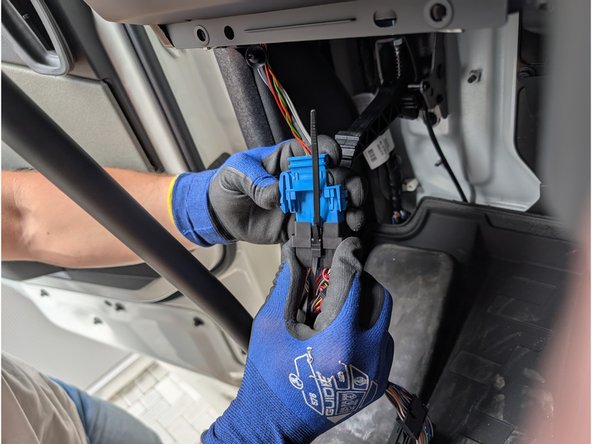
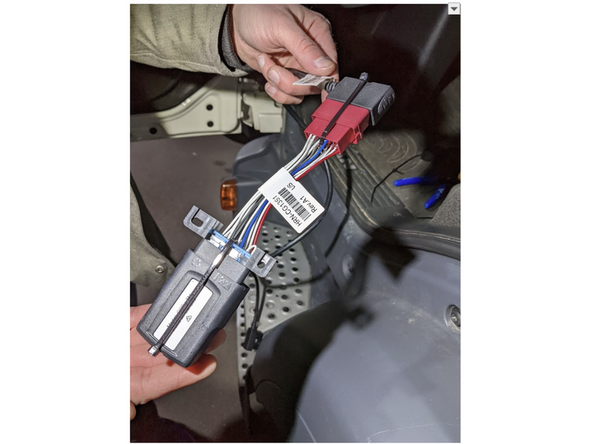
  3. Connect the HRN-GS16K22-A to the OBD-port and use cable ties to secure the connection. Take Adapter 13 and clip it into place on the short end of the T-harness. Clip short end of the HRN-GS16K22-A harness into place of the original vehicle port
    • Connect the HRN-GS16K22-A to the OBD-port and use cable ties to secure the connection.

    • Take Adapter 13 and clip it into place on the short end of the T-harness.

    • Clip short end of the HRN-GS16K22-A harness into place of the original vehicle port

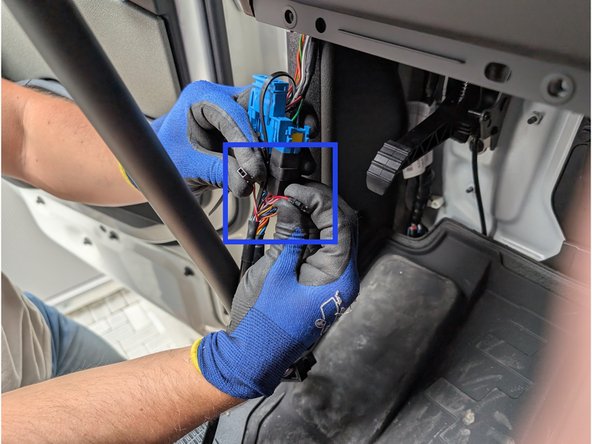
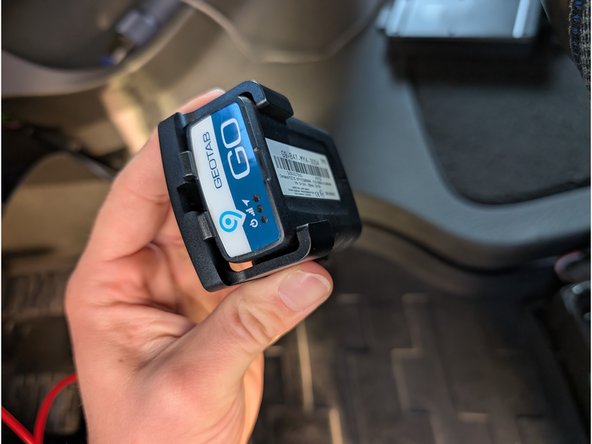
  4. Clip the molex connectors of the T-Harness together and disconnect Pin 3 & 11 as marked in blue. Use our Install bag and attach the Go device to it.
    • Clip the molex connectors of the T-Harness together and disconnect Pin 3 & 11 as marked in blue.

    • Use our Install bag and attach the Go device to it.

  5. Connect our Go device with the harness HRN-CG13S1-A directly.
    • Connect our Go device with the harness HRN-CG13S1-A directly.

    • Next connect Harness HRN-CG13S1-A with our T-Harness HRN-GS16K22-A.

    • Secure all connections with cable ties.

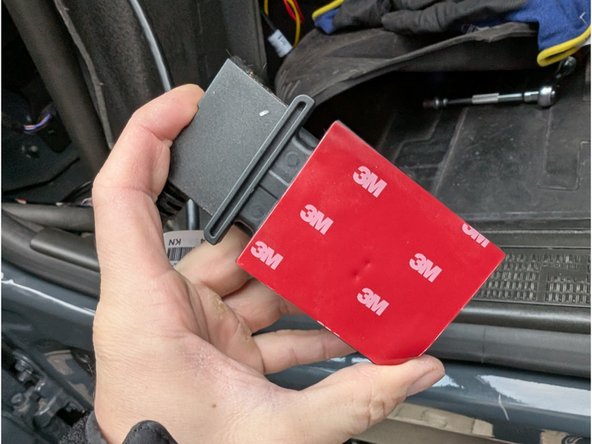
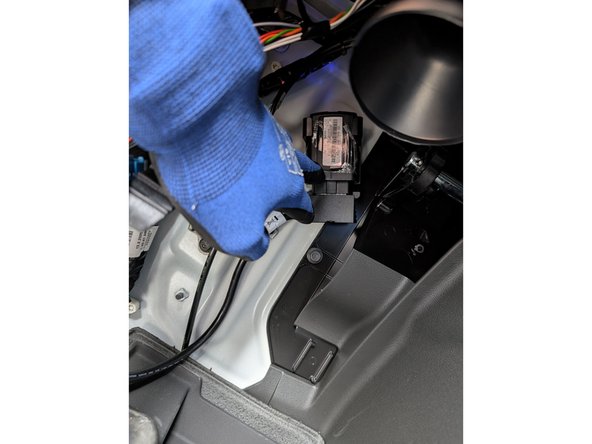
  6. Apply the double sided tape included with the SPR-INSTALLBAG onto the mounting bracket and GO device. Firmly mount it to a suitable flat surface
    • Apply the double sided tape included with the SPR-INSTALLBAG onto the mounting bracket and GO device.

    • Firmly mount it to a suitable flat surface

    • Finally, reinstall the panels in the reverse order of removal.

Finish Line

Matthew Reilly

Member since: 1/10/22

41 Guides authored

Team