Introduction
This guide covers the installation of the Universal Bracket Kit for use with the small bracket TVI auxiliary camera and GO Focus Pro. Note: tube style mirror and surface mount options will be added in a future revision.
-
-
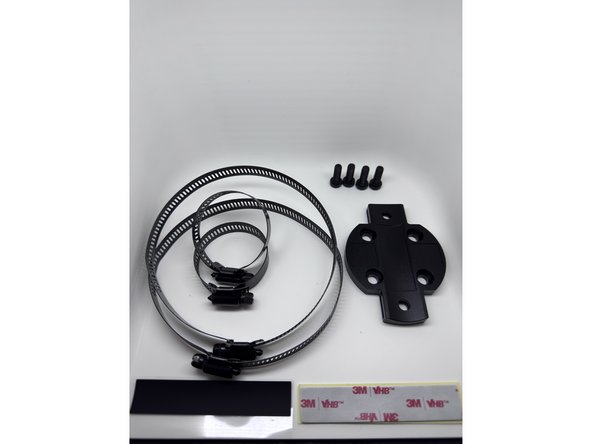
1 x Universal mounting bracket
-
4 x Universal mounting bracket fasteners
-
2 x Large clamp
-
2 x Small clamp
-
1 x Adhesive backed silicone strip
-
-
-
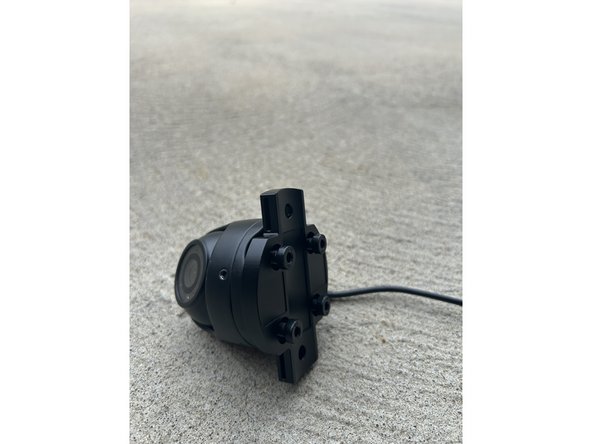
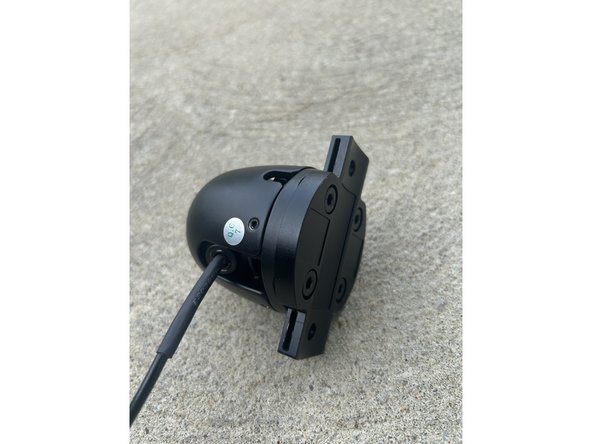
Mount the universal mounting bracket to the TVI camera using the 4 included fasteners.
-
A 4mm hex key is required to tighten the fasteners.
-
The flat side of the bracket mounts to the TVI camera.
-
-
-
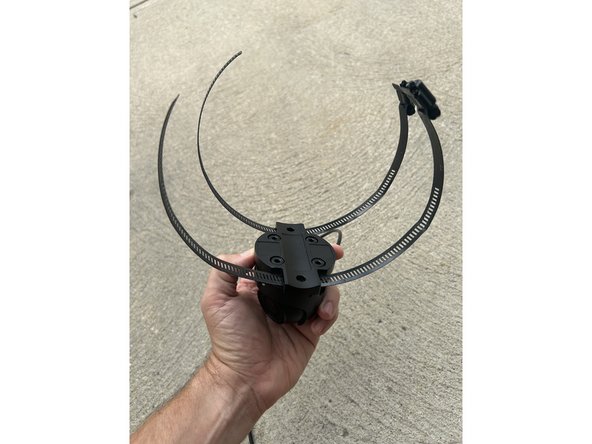
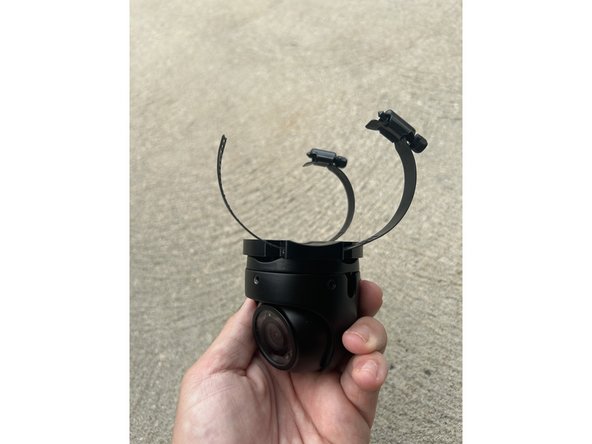
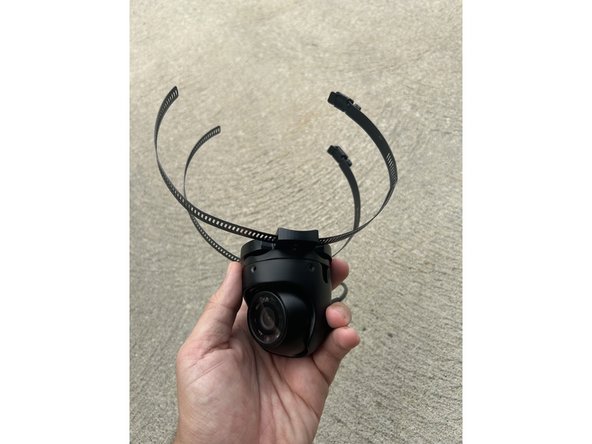
Select the appropriate clamp size for the mounting application - large or small.
-
Route the selected clamps through the slots on the universal mounting bracket prior to mounting on the vehicle.
-
-
-
Apply the included adhesive backed silicone strip to the bracket contact surface to protect the mirror from damage.
-
The silicone strip can be cut to size and also applied at other clamp-to-surface contact points as desired.
-
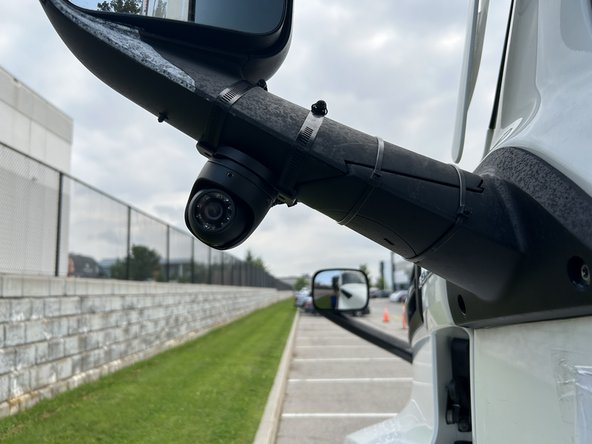
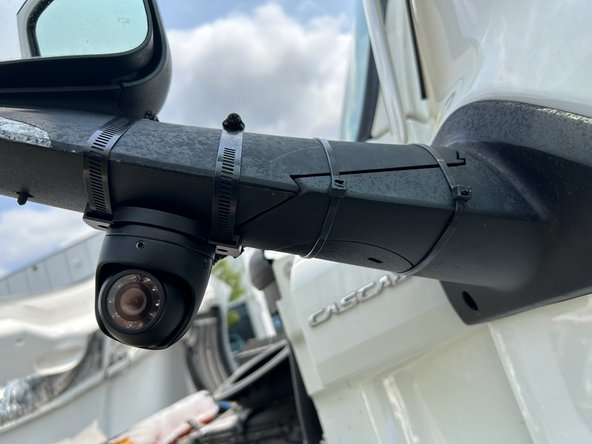
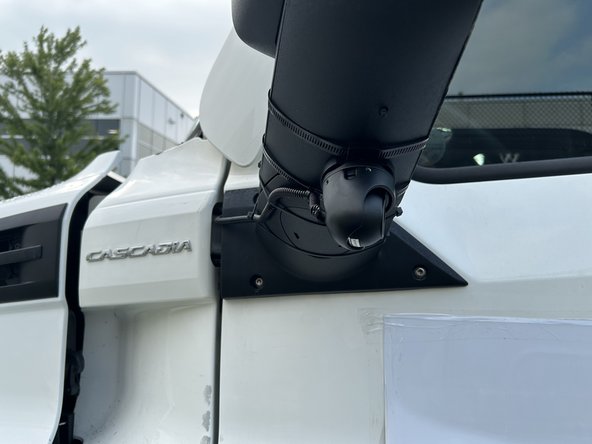
Using the large clamps, mount the auxiliary camera assembly to the large aero style mirror by routing the clamps around the mirror housing and tightening securely.
-
A 7mm socket or Phillips screwdriver is required to properly tighten the clamp.
-
Ensure the camera is positioned for optimal field of view before fully tightening.
-
Refer to the GO Focus Pro with Auxiliary Cameras guide to finalize mounting and complete cable routing.
-

Team
