Introduction
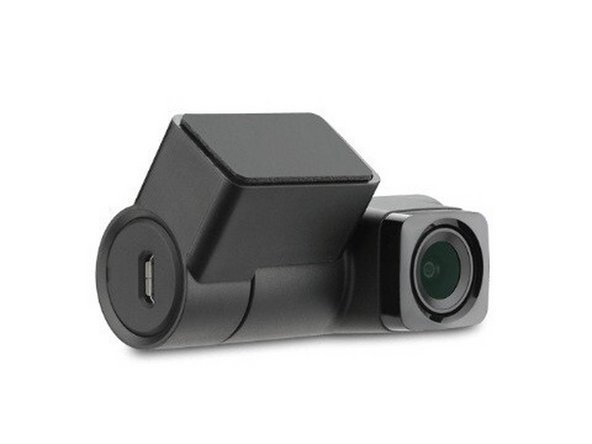
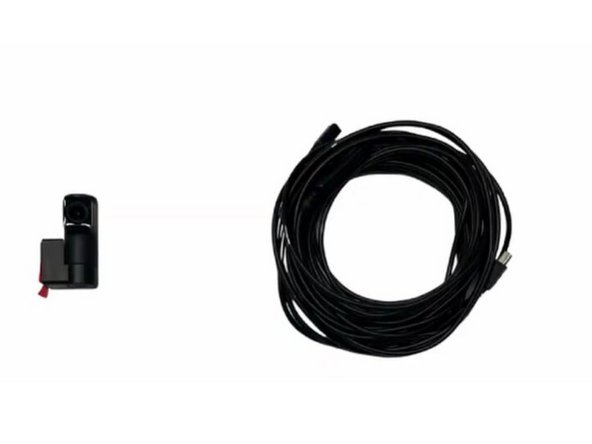
This guide covers the installation of the HDW-A60-GFP internal rear auxiliary camera for the GO Focus Plus. The aux camera mounts to the rear window of the vehicle using industrial-grade adhesive and connects to the GO Focus Plus via a 5-meter Mini-USB cable, providing a 1080p rear-facing interior view.
-
-
WARNING! Only use Geotab telematics devices with Geotab-approved harnesses acquired from Geotab-authorized channels. Use of non-Geotab harnesses from unauthorized channels can cause serious safety risks, including fire, and can lead to serious personal injury and/or damage to the vehicle.
-
IMPORTANT: Always use a vehicle-specific harness when offered by Geotab or the vehicle manufacturer to avoid possible damage to the GO device. Some vehicles have multiple diagnostic connectors to choose from when installing a GO device.
-
For more information on Geotab harnesses and adapters, refer to the Harness Identification and Application & Harness Assessment Cheat Sheet & Geotab Truck Solution - Harness Identification and Application
-
If a longer length is required to facilitate installation, connect a straight harness to a T-harness. Ensure that the total harness length does not exceed 2 meters (6.5 feet), because this can compromise the integrity of the data and cause issues with the vehicle’s Engine Control Unit (ECU).
-
For more details on compliance information and applicable products, contact your Authorized Reseller.
-
-
-
The HDW-A60-GFP is an internal rear auxiliary camera designed for use with the GO Focus Plus. It provides a 1080p rear-facing interior view with a 112-degree diagonal field of view (93 horizontal / 50 vertical).
-
The camera uses an industrial-grade adhesive mounting system and connects to the GO Focus Plus via a 5-meter (16 ft) Mini-USB cable. No extension cables are available for this model.
-
-
-
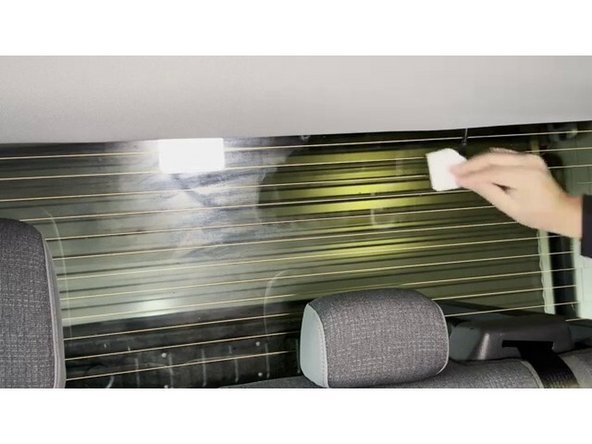
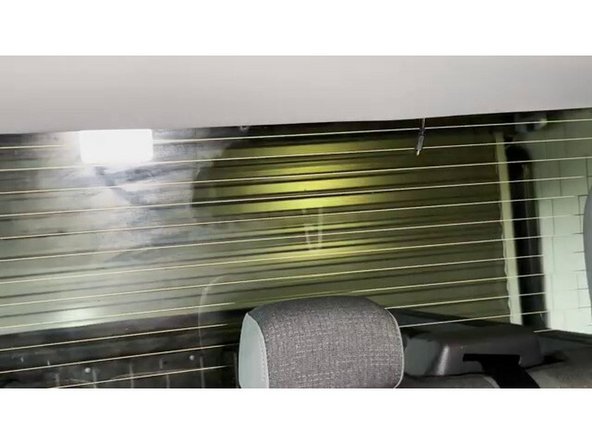
Identify the mounting location on the rear window. Choose a spot that is not obstructed by defrost lines. If the vehicle has a sliding rear window, place the camera to the side where it will not make contact with the sliding window.
-
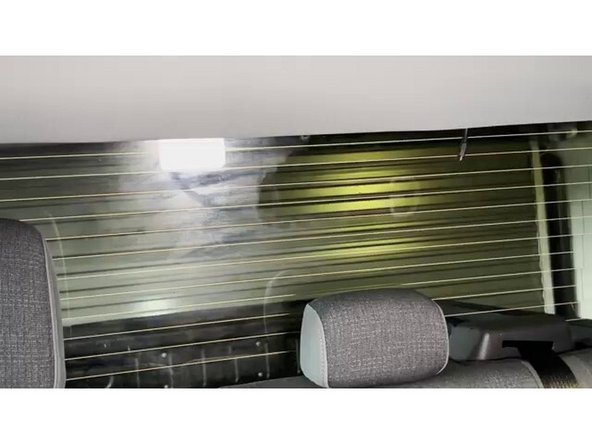
Clean the rear window mounting area thoroughly using an alcohol wipe. Allow the alcohol to fully evaporate before mounting the camera. This ensures a strong adhesive bond.
-
While the alcohol is evaporating, proceed to the next step to prepare the GO Focus Plus for the aux camera cable connection.
-
-
-
Remove the cable guard from the GO Focus Plus by loosening the screw on the side of the device.
-
Unplug the existing power/data cable from the GO Focus Plus to make room for the aux camera cable. Plug the aux camera cable into the available Mini-USB port on the GO Focus Plus, then reconnect the original power/data cable.
-
Be sure to plug in the AUX camera cable to the Go Focus Plus BEFORE you reconnect power back to the main camera. This ensures that it's detected correctly.
-
Replace the cable cover on the GO Focus Plus and tighten the screw to secure both cables in place.
-
-
-
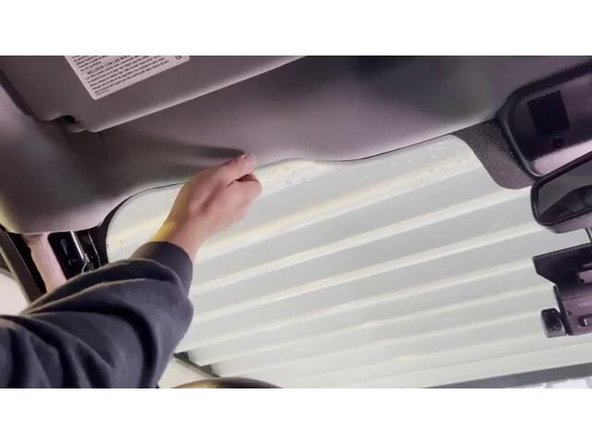
Route the aux camera cable from the GO Focus Plus along the vehicle headliner toward the rear window. Tuck the cable behind trim panels and headliner edges where possible to keep the installation clean.
-
Use adhesive cable clips or sticky clips with zip ties to secure the cable along the route. Ensure the cable does not hang down or interfere with any vehicle controls, visors, or moving parts.
-
Leave enough slack at the rear window end to position and mount the camera without tension on the cable.
-
Route the cable so that it does not obstruct the air bag functionality.
-
-
-
Confirm the alcohol on the rear window has fully evaporated before proceeding.
-
Do not mount the Aux Camera if the window is below 70°F / 21°C or above 100°F / 38°C.
-
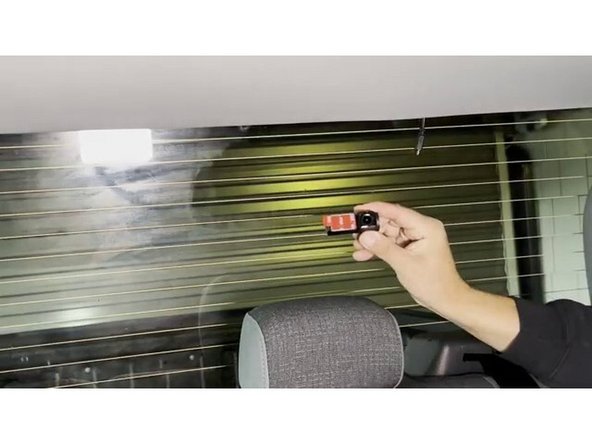
Remove the red adhesive backing from the aux camera mounting bracket. Plug the aux camera cable into the camera before pressing it to the glass.
-
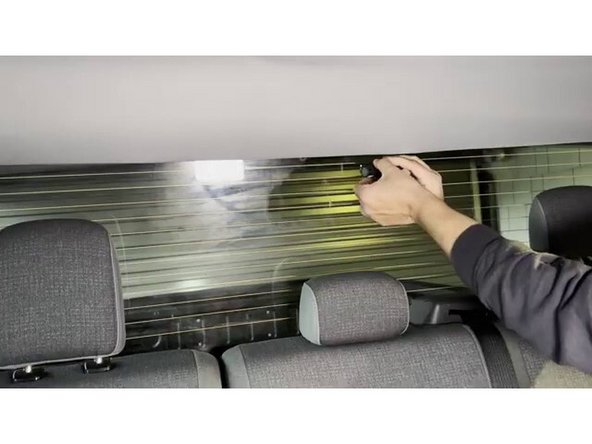
Press the camera firmly to the rear window at the chosen location and hold in place for at least 30 seconds to ensure a strong bond. Verify the camera is level and aimed to capture the desired interior view.
-
-
-
Turn on the vehicle to ensure the GO Focus Plus and the aux camera are both receiving power and functioning correctly.
-
Open the Geotab Video App or MyGeotab to verify the aux camera feed is displaying properly. Confirm the rear interior view is clear, properly aimed, and not obstructed.
-
Once both cameras are confirmed working, secure any remaining loose cable and replace any trim panels or headliner pieces that were moved during cable routing. The installation is now complete.
-
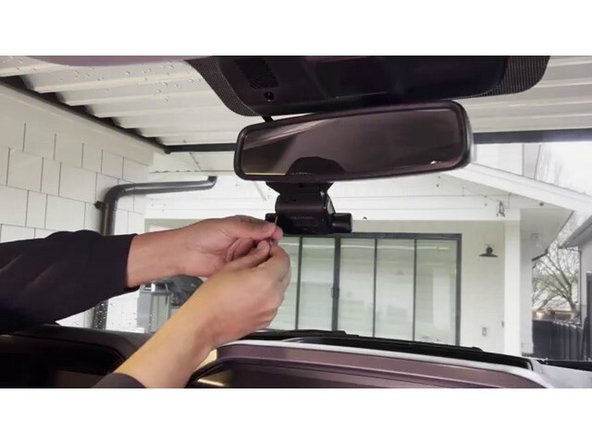
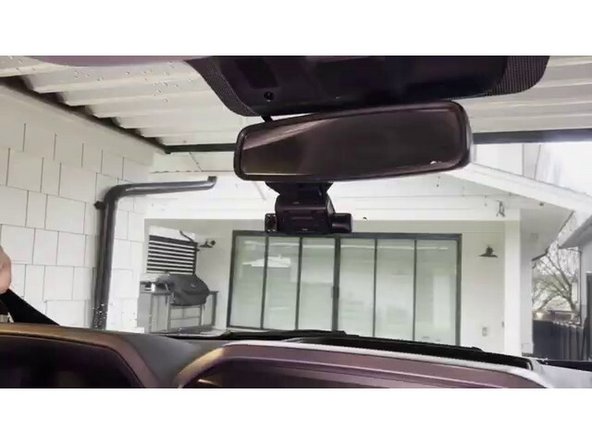
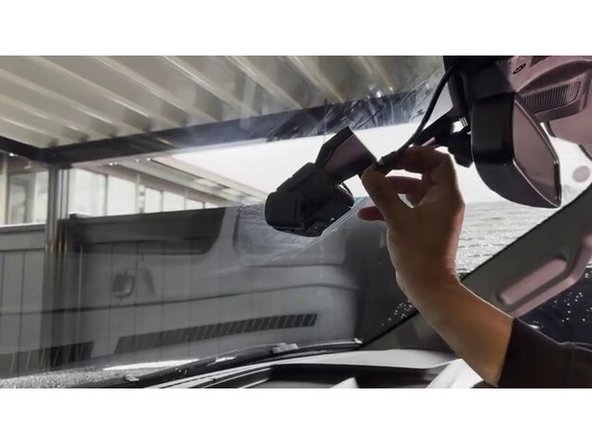
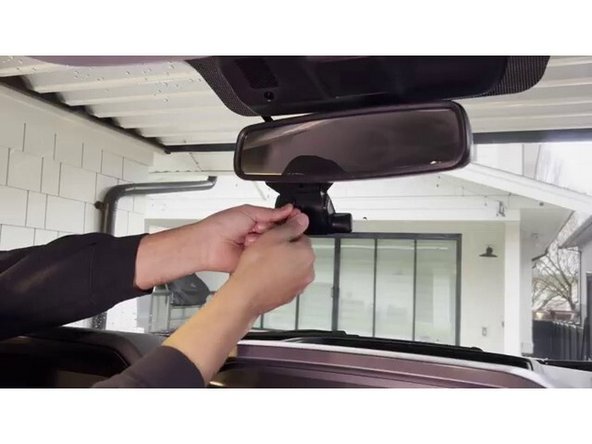
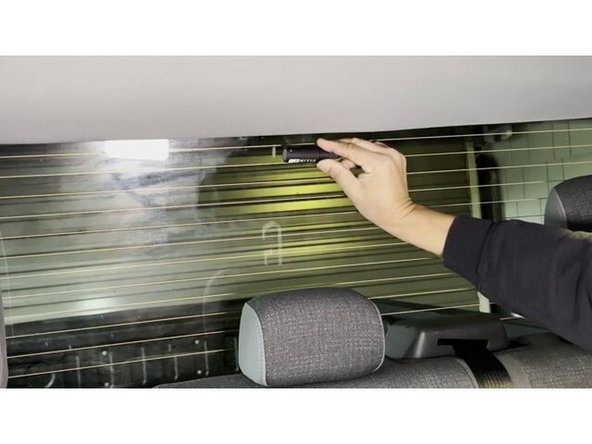
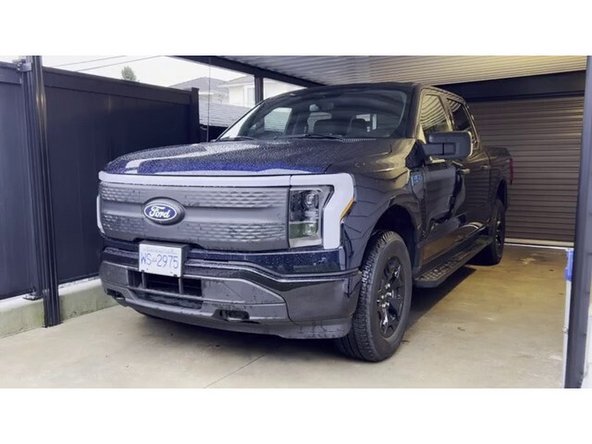
The HDW-A60-GFP internal rear aux camera installation is now complete. The GO Focus Plus will now capture both a forward-facing road view and a rear-facing interior view. Verify both camera feeds are functioning properly in the Geotab Video App or MyGeotab before returning the vehicle to service.
The HDW-A60-GFP internal rear aux camera installation is now complete. The GO Focus Plus will now capture both a forward-facing road view and a rear-facing interior view. Verify both camera feeds are functioning properly in the Geotab Video App or MyGeotab before returning the vehicle to service.

Team
