v0.10

Minor Versionm

by Jason Fox

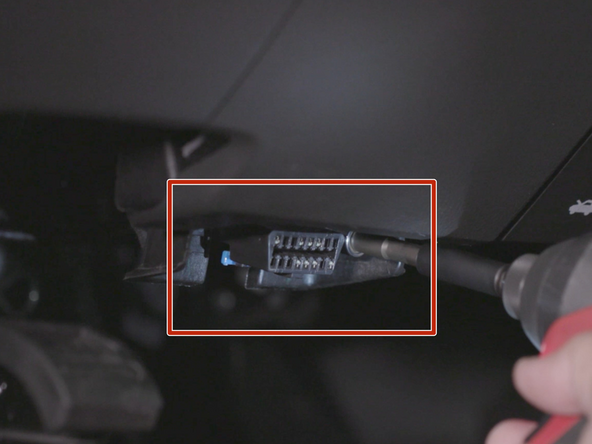
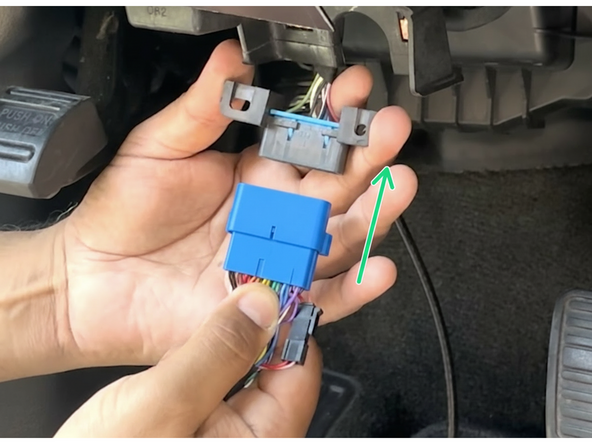
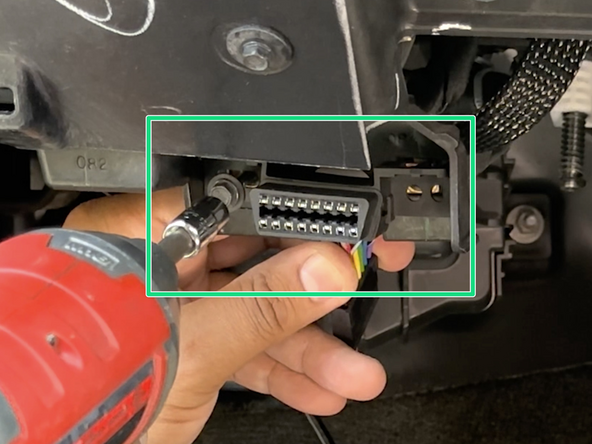
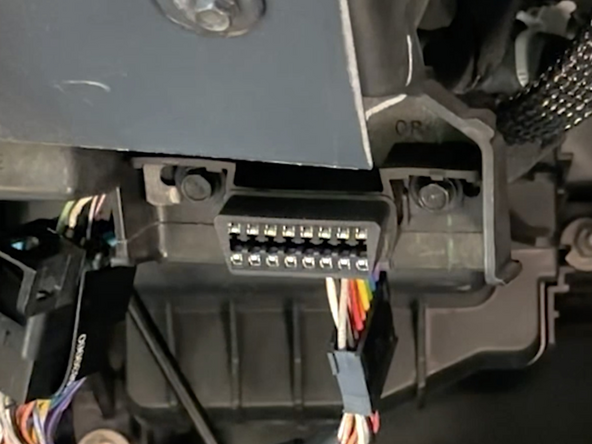
  1. Locate & remove the diagnostic port from its factory location.
    • Locate & remove the diagnostic port from its factory location.

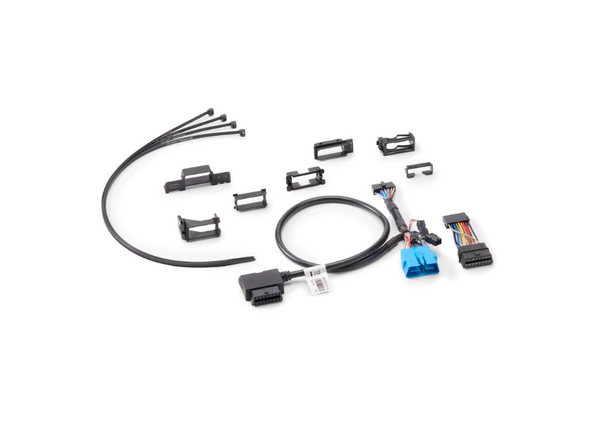
    • Identify the adapter required for installation from the parts included in the kit.

    • See here for general identification.

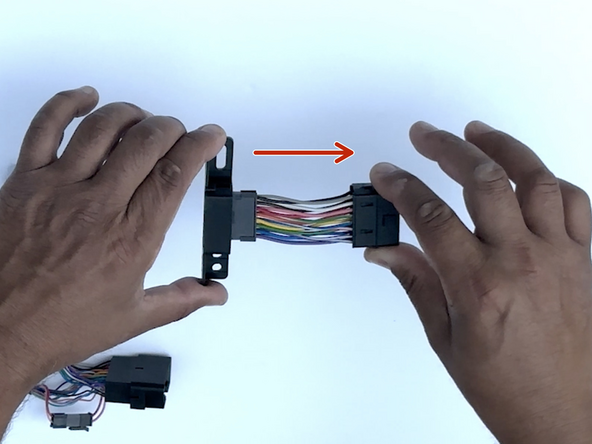
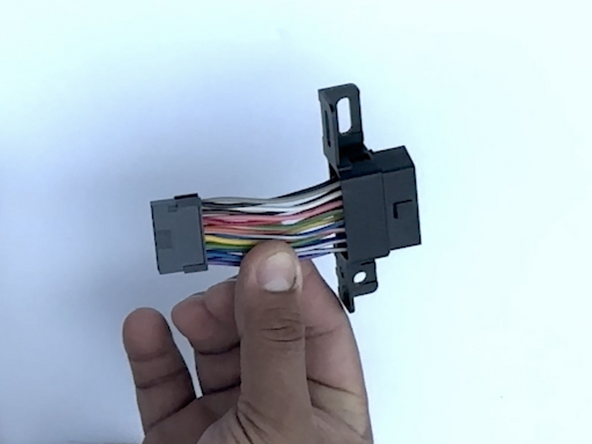
  2. Choose the correct adapter for your installation. Slide the adapter over the short harness and onto the connector housing.
    • Choose the correct adapter for your installation.

    • Slide the adapter over the short harness and onto the connector housing.

    • Ensure the adapter locks into the locking tabs.

    • If the adapter is not locking into place, the adapter is likely installed backwards.

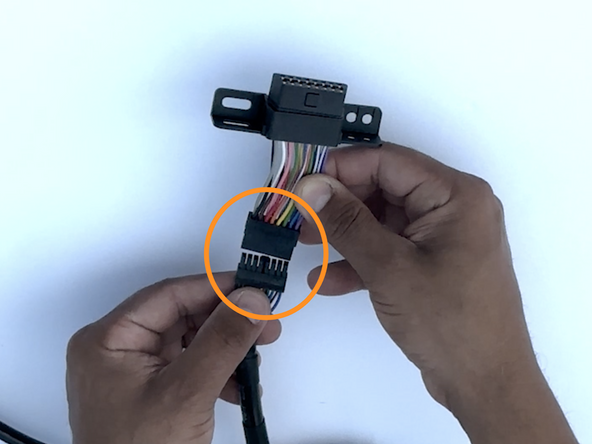
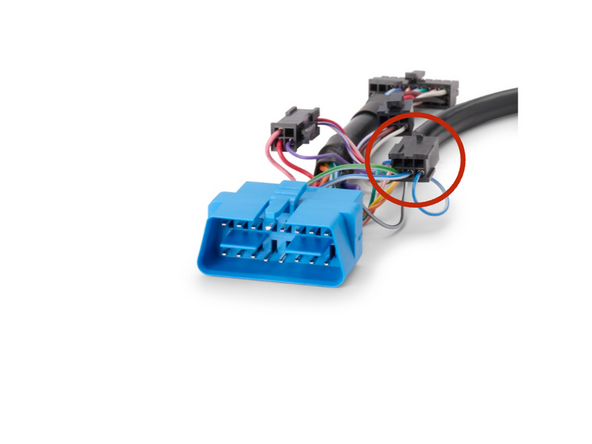
  3. Connect the Molex connector to the T-harness.
    • Connect the Molex connector to the T-harness.

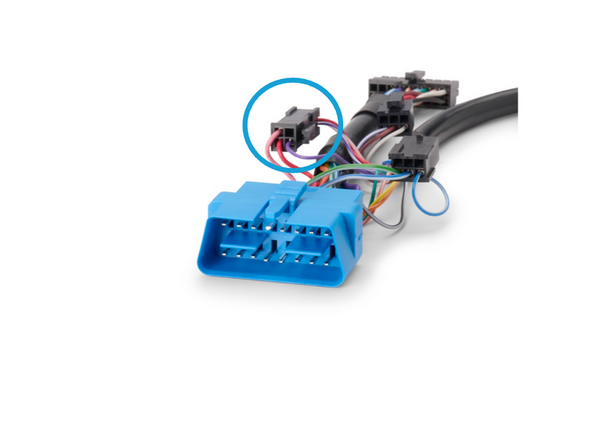
  4. ! IMPORTANT: For Ethernet bypass (pins 3 and 11), disconnect the 4-pin Molex connector. This applies to select vehicles, refer to DoIP Ethernet Bypass for 16-pin Harnesses for the applicable vehicle list. For all 2024+ VOLVO Trucks and Busses, be sure to unplug the 4-pin connector and plug in the 6-Pin Molex connector.
    • ! IMPORTANT: For Ethernet bypass (pins 3 and 11), disconnect the 4-pin Molex connector. This applies to select vehicles, refer to DoIP Ethernet Bypass for 16-pin Harnesses for the applicable vehicle list.

    • For all 2024+ VOLVO Trucks and Busses, be sure to unplug the 4-pin connector and plug in the 6-Pin Molex connector.

    • For VOLVO construction equipement UNPLUG both the 4-pin and 6-pin connectors.

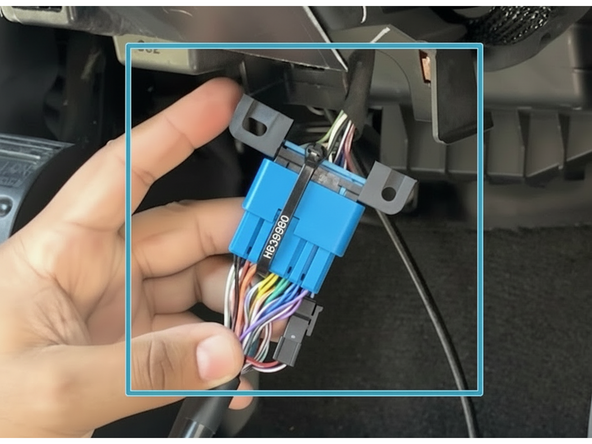
  5. Attach the male end of the T-harness to the factory diagnostic port. Secure the connection with a cable tie.
    • Attach the male end of the T-harness to the factory diagnostic port.

    • Secure the connection with a cable tie.

    • Trim any excess cable tie

  6. Install the prepared T-harness connector and mount it into the factory diagnostic port location. Ensure cable does not interfere with any moving parts
    • Install the prepared T-harness connector and mount it into the factory diagnostic port location.

    • Ensure cable does not interfere with any moving parts

    • Secure excess harness as needed with cable ties

Finish Line

Jason Fox

Member since: 9/14/23

149 Guides authored

Team

Field Service Specialists Member of Field Service Specialists

8 Members

307 Guides authored