v1.0

Major VersionM

by Jason Fox

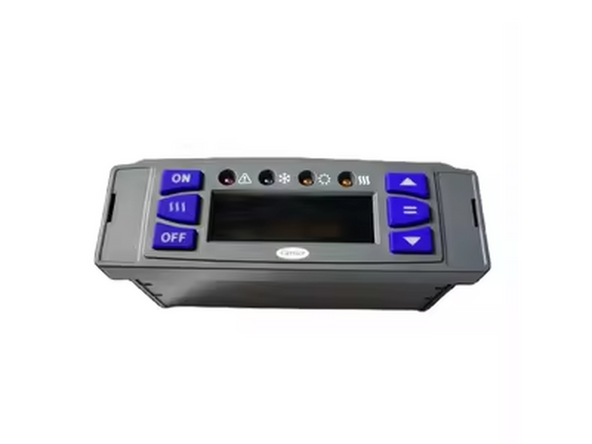
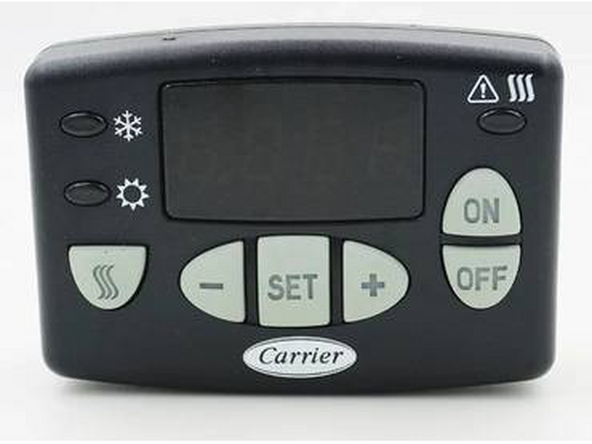
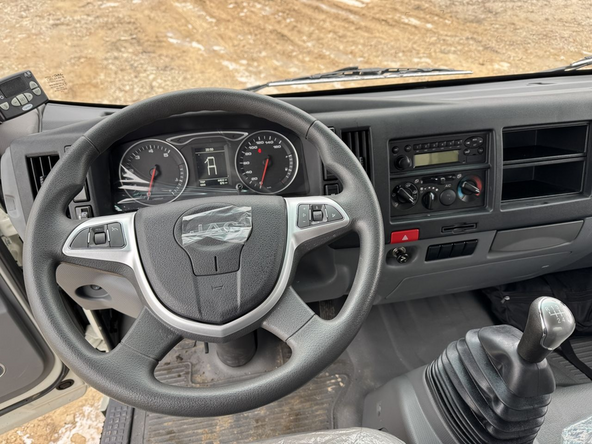
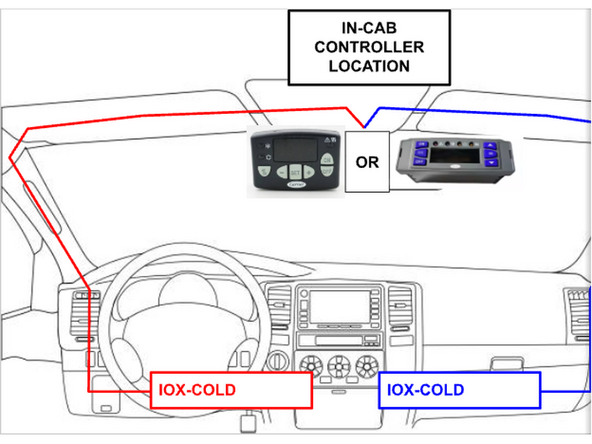
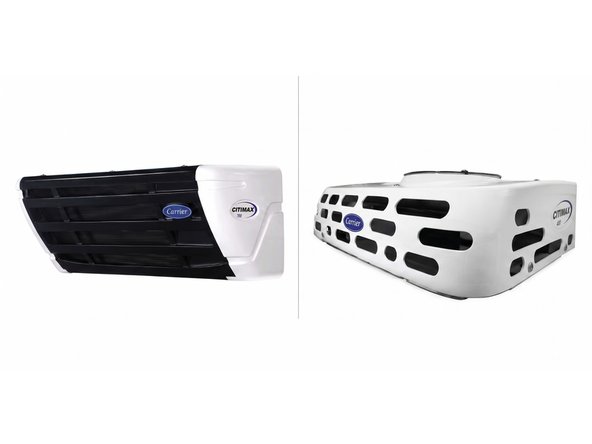
  1. Find the in-cab controller and if needed remove it from the bracket. These refrigeration units may be equipped with either of the two controllers pictured below. Both models are compatible with the Cold Chain harness. These refrigeration units may be equipped with either of the two controllers pictured below. Both models are compatible with the Cold Chain harness.
    • Find the in-cab controller and if needed remove it from the bracket.

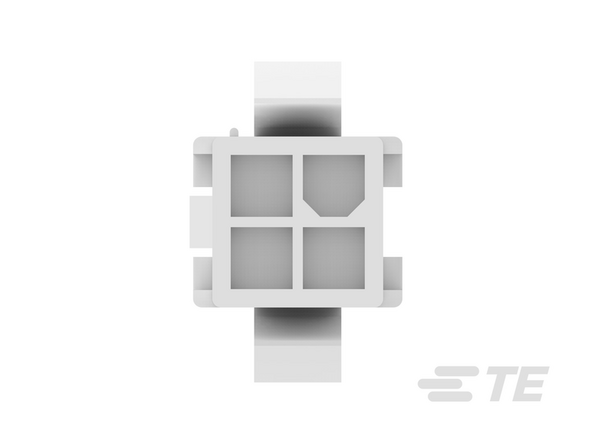
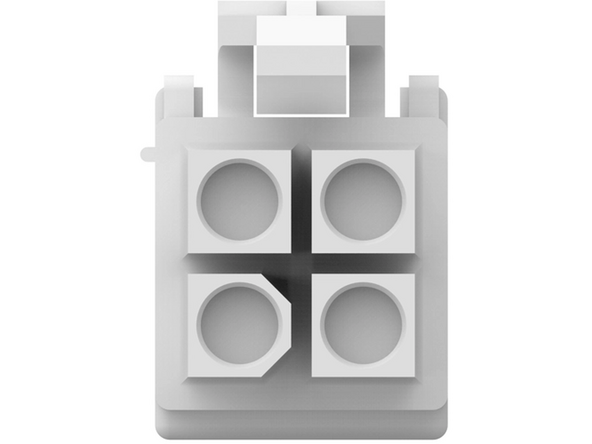
    • These refrigeration units may be equipped with either of the two controllers pictured below. Both models are compatible with the Cold Chain harness.

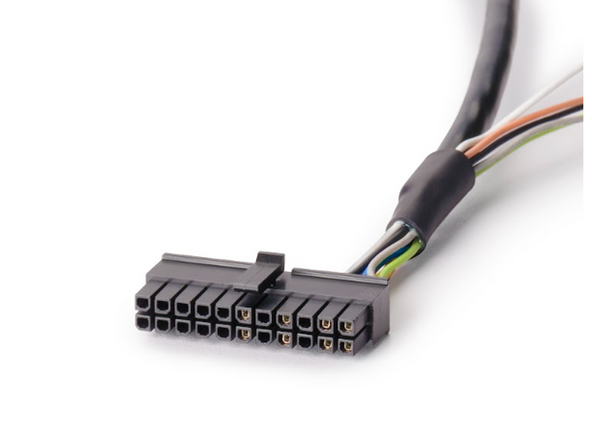
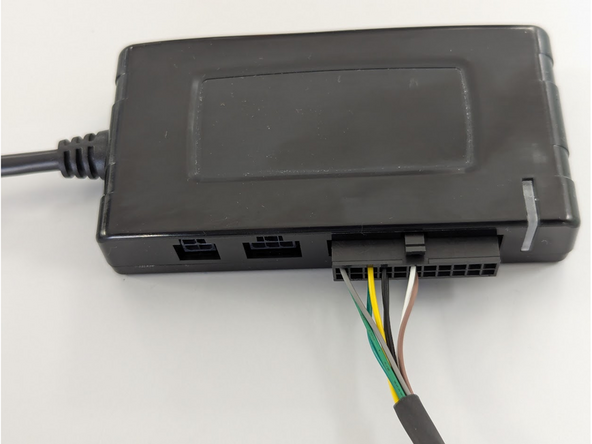
  2. Connect the HRN-CCCACIT to port C of the IOX-COLD. Route the HRN-CCCACIT to the controller location. If the in-cab controller is located near the rear-view mirror, route the harness through one of the cabin columns, depending on where the IOX-COLD and GO device will be installed. Route the HRN-CCCACIT to the controller location. If the in-cab controller is located near the rear-view mirror, route the harness through one of the cabin columns, depending on where the IOX-COLD and GO device will be installed.
    • Connect the HRN-CCCACIT to port C of the IOX-COLD.

    • Route the HRN-CCCACIT to the controller location. If the in-cab controller is located near the rear-view mirror, route the harness through one of the cabin columns, depending on where the IOX-COLD and GO device will be installed.

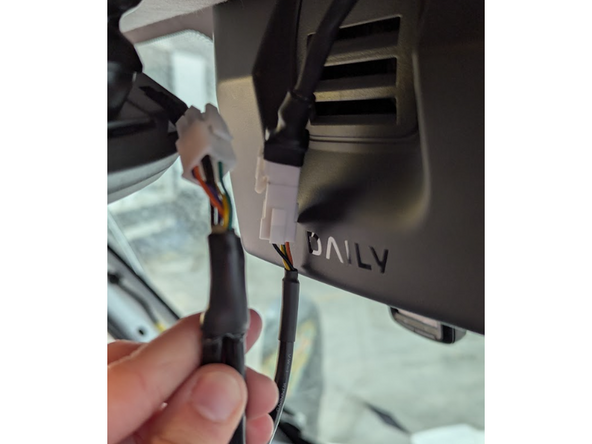
  3. Unplug the in-cabin controller from its original vehicle-connected harness. Unplug the in-cabin controller from its original vehicle-connected harness.
    • Unplug the in-cabin controller from its original vehicle-connected harness.

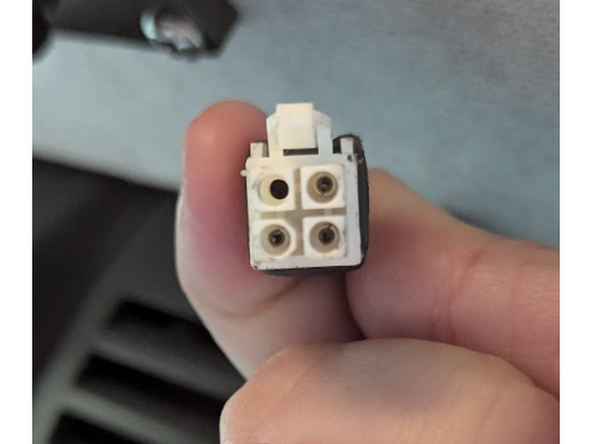
  4. Connect the white HRN-CCCACIT female connector to the original vehicle harness that was disconnected in the previous step. Connect the white HRN-CCCACIT female connector to the original vehicle harness that was disconnected in the previous step.
    • Connect the white HRN-CCCACIT female connector to the original vehicle harness that was disconnected in the previous step.

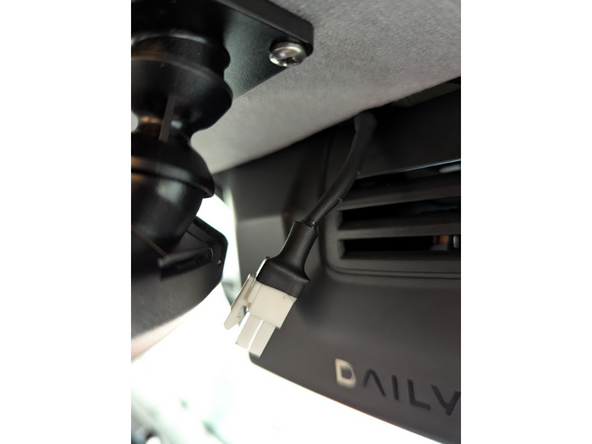
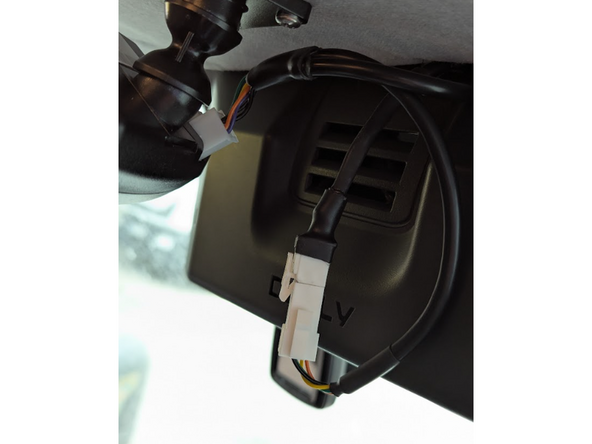
  5. Connect the white HRN-CCCACIT male connector to the in-cab controller. Connect the white HRN-CCCACIT male connector to the in-cab controller.
    • Connect the white HRN-CCCACIT male connector to the in-cab controller.

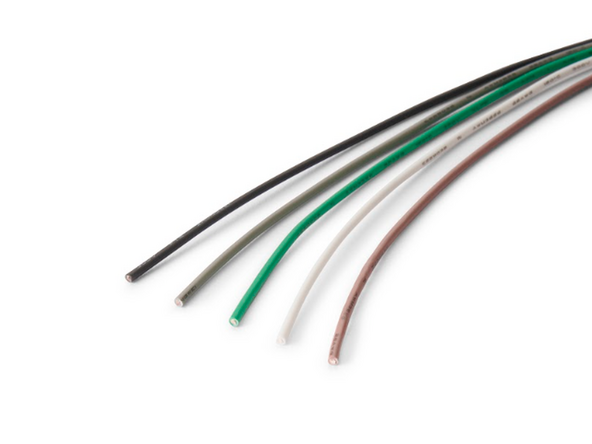
  6. Optional: The HRN-CCCACIT contains loose wires that allow the IOX-COLD to connect to additional sensors, such as 1-Wire temperature sensors or door sensors. If these installations are required, refer to the accessories installation guide.
    • Optional: The HRN-CCCACIT contains loose wires that allow the IOX-COLD to connect to additional sensors, such as 1-Wire temperature sensors or door sensors. If these installations are required, refer to the accessories installation guide.

Finish Line

Jason Fox

Member since: 9/14/23

145 Guides authored

Team

Field Service Specialists Member of Field Service Specialists

8 Members

300 Guides authored